

Admin panel & users
This page helps Admins configure the Agent and manage the people who use it.
Open the Admin panel from the icon at the top of your Agent dashboard.
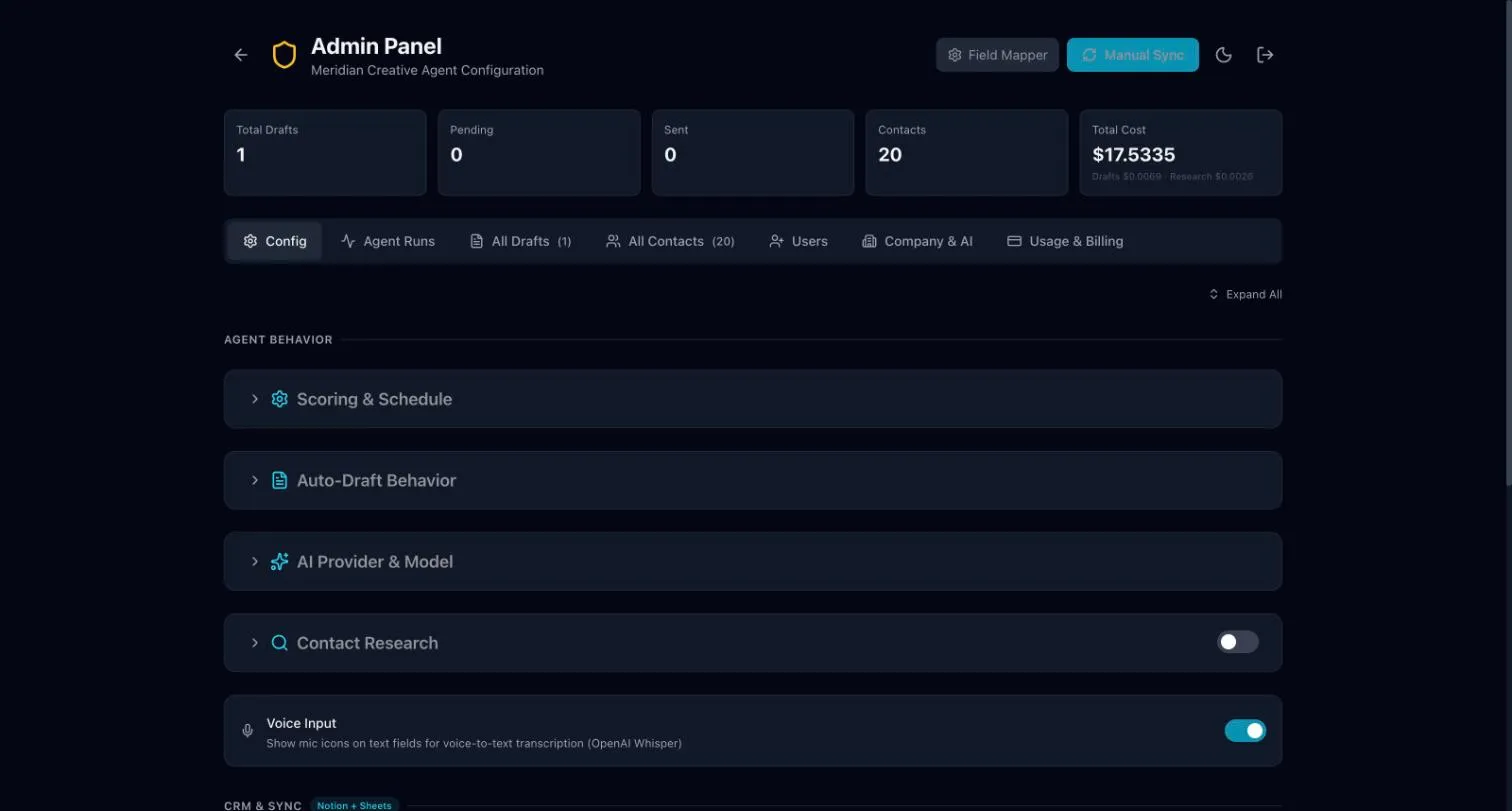
| Tab | What it is for |
|---|---|
| Config | Scoring and schedule, auto-draft, contact research, voice input, CRM sync and Google Workspace (including Gmail connections). |
| Agent Runs | A history of each time the Agent ran. |
| All Drafts | Every draft across the team. |
| All Contacts | Every contact. |
| Users | See who can use the Agent, make someone an Admin, switch someone off, and create an Agent-only login. |
| Company & AI | Details about your business. |
Add staff
Section titled “Add staff”The recommended way to add staff is to invite them to your company’s team in Insights. See Your team and sign-in. They then get an Agent account automatically, along with Insights, the mobile app, webfaCe Inbox and the Claude connector.
Users also has Create & Send Invite. This makes a login for the Agent only. The person does not get the other products.
Manage users
Section titled “Manage users”- Open Users.
- To give someone more access, make them an Admin.
- To stop someone using the Agent, switch them off.
When someone is removed from your company’s organization, their Agent account is switched off automatically.
Check who has connected Gmail
Section titled “Check who has connected Gmail”- Open Config.
- Open Google Workspace.
- Look at Gmail connections.
Who sees new drafts
Section titled “Who sees new drafts”Under Config → Auto-Draft Behavior, Who sees new drafts sets who sees the drafts from the daily run.
- Whole team (the default): every staff member sees them. Whoever acts on a draft takes it.
- Only the person an admin assigns: drafts wait until an Admin assigns them.
Daily credit limit
Section titled “Daily credit limit”Next to Who sees new drafts you can set a Daily credit limit per staff member. This is optional.
It is one limit that applies to every staff member. Admins are not limited. Once a staff member reaches the limit, their drafts, research, images and videos stop for the rest of the day. Leave it empty for no limit.
Text alerts
Section titled “Text alerts”Text alerts for new enquiries and bookings are managed by webfaCeMEdia. See Chat monitor & text alerts.