

Email marketing
This page helps you plan and send email campaigns from the Email marketing tab.
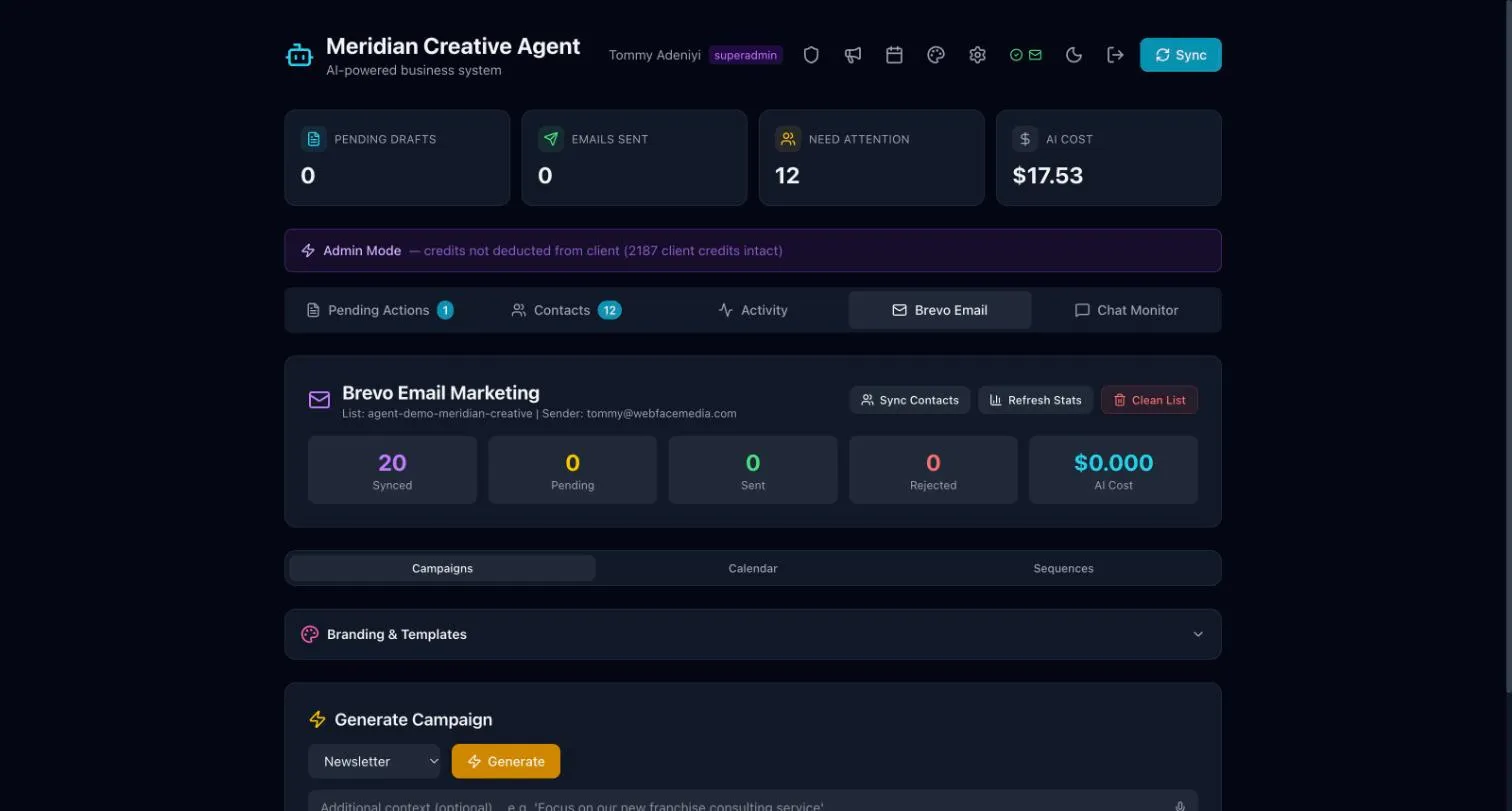
Email marketing runs through Brevo. The tab has three parts:
- Campaigns: newsletters and one-off emails.
- Calendar: what is going out and when.
- Sequences: a series of emails sent one after another.
Prepare a campaign
Section titled “Prepare a campaign”- Open Email marketing.
- Under Campaigns, choose the type of email, for example a newsletter.
- Add notes about what it should say, then choose Generate.
- Review the draft and change anything you want.
Who sends
Section titled “Who sends”Staff can draft newsletters. An Admin approves and sends them. Until then, the campaign shows as Waiting for approval.