

Drafts and the team queue
This page helps you review the follow-up drafts your Agent prepares, share them across your team, and send them from Gmail.
Where drafts come from
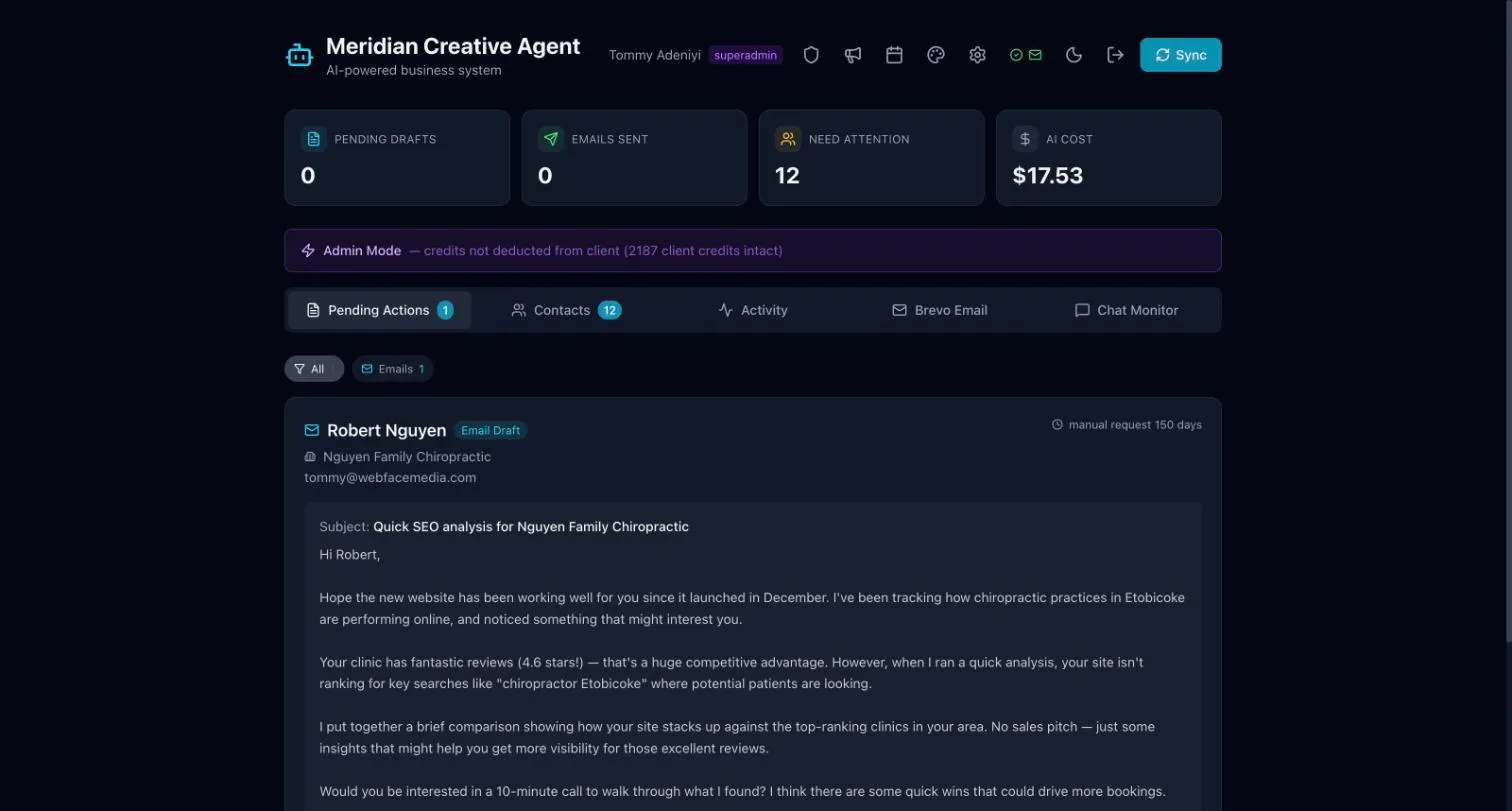
Section titled “Where drafts come from”Each morning (around 9–10am Eastern), your Agent prepares follow-ups for the contacts that need them. They appear in Pending Actions as email or call drafts.
Review and send a draft
Section titled “Review and send a draft”- Open Pending Actions.
- Read the draft. Edit anything you want to change.
- Send it, or skip it if it is not needed.
The team queue
Section titled “The team queue”By default, staff see drafts that nobody has picked up yet. Whoever acts on a draft takes it, so two people never send the same follow-up.
Admins can change this so staff only see drafts an Admin assigns to them. The setting is Who sees new drafts in the Admin panel. See Admin panel & users.
Gmail sending rules
Section titled “Gmail sending rules”- Emails go out from your Gmail account.
- Each person connects their Gmail once.
- Nobody can send from someone else’s mailbox. If a draft needs to come from a colleague, leave it for them.
Admins can check who has connected Gmail in the Admin panel under Config → Google Workspace → Gmail connections. See Admin panel & users.