

Enquiries
This page helps you find and read the enquiries visitors send through the forms on your website.
Find your enquiries
Section titled “Find your enquiries”- Sign in at insights.webfacemedia.com and open your site’s dashboard.
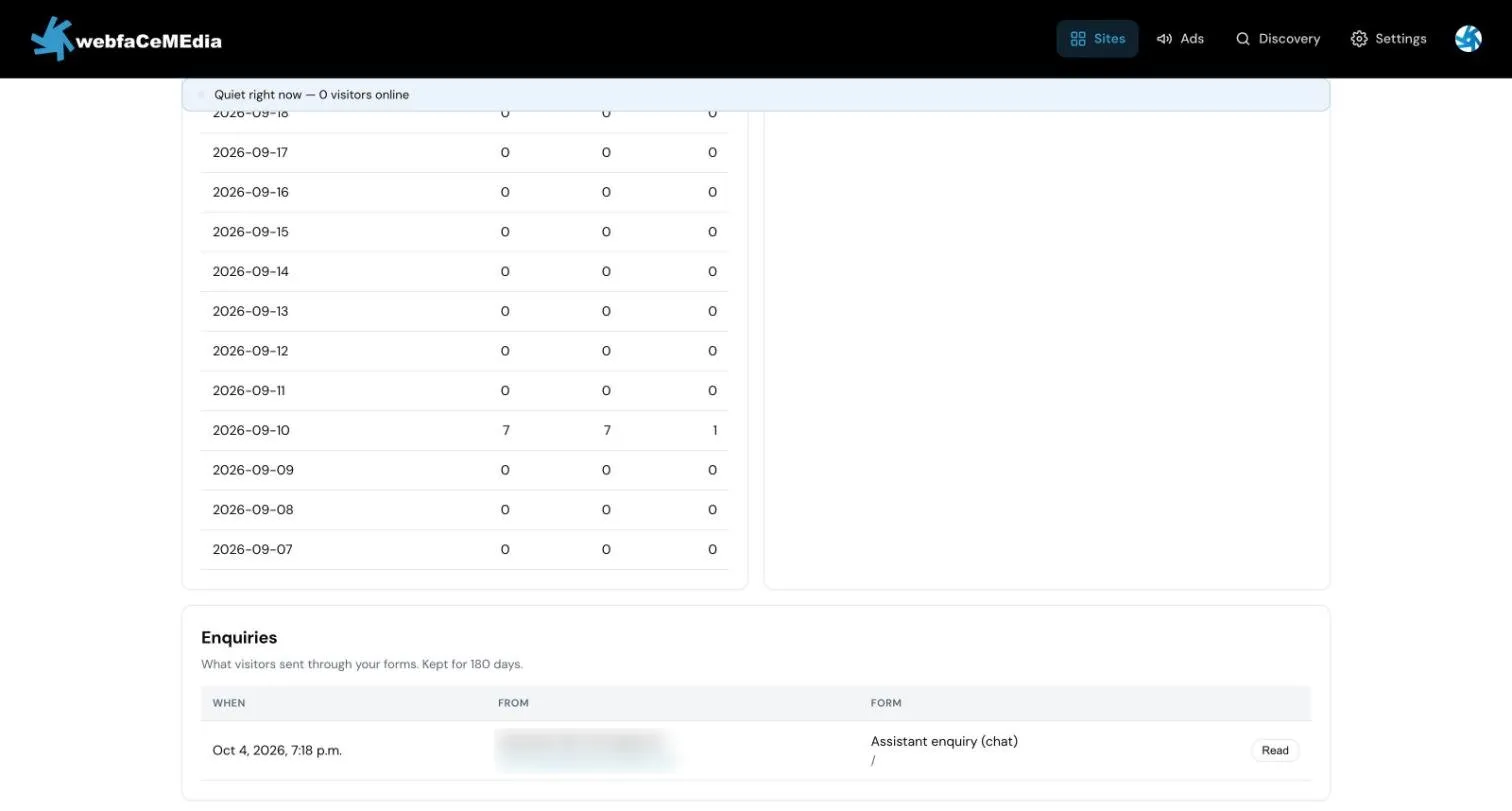
- Scroll down to Enquiries.
- Choose Read on an enquiry to see everything the visitor sent.
Each row shows when the enquiry came in, who it is from and which form it came through.
How long enquiries are stored
Section titled “How long enquiries are stored”Enquiries are stored in Insights for 180 days. If you need an enquiry for longer, copy it into your records before then.