

What Desk does
This page helps you understand what webfaCe Desk is and how to get it ready for your business.
webfaCe Desk is one assistant for your business. You open it at <company>.webfacedesk.app.
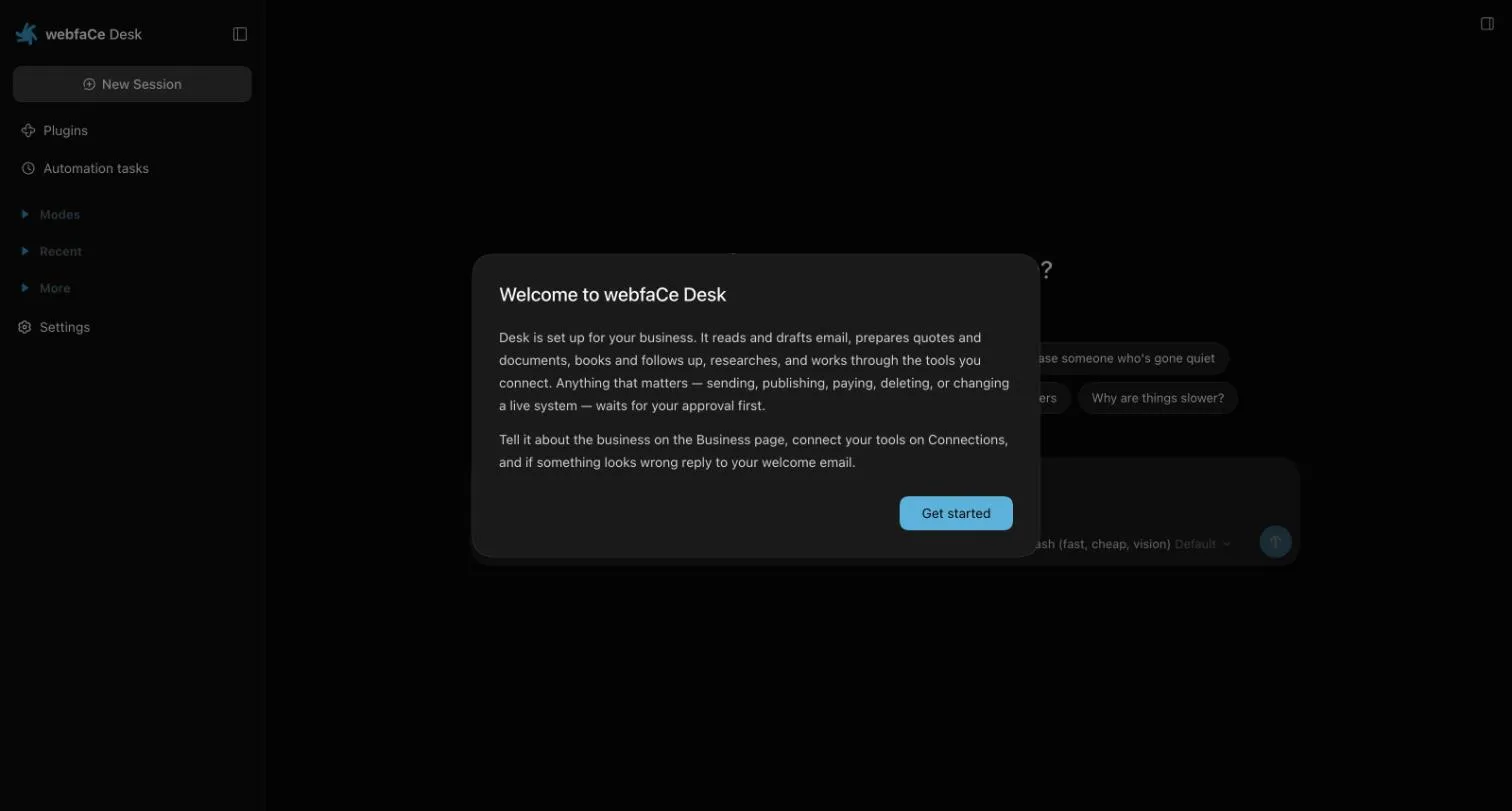
You give it a job and it does the work. It reads and drafts email, prepares quotes and documents, books and follows up, researches, and works through the tools you connect. It works in modes, so it can switch between kinds of work.
Once it is connected to webfaCeMEdia it can also edit your website, check your analytics and leads, and draft social posts and campaigns for you. Ask in plain words, for example “change the opening hours on the contact page”.
Anything that matters waits for your approval. See Approvals.
Get Desk ready
Section titled “Get Desk ready”The first time you open Desk, a welcome message explains these steps.
- Open the Business page and check what Desk knows about your business. We fill in your business details and logo before you start, so change anything that is not right.
- Open Connections. Under webfaCeMEdia, choose Sign in with webfaCeMEdia and sign in with your webfaCeMEdia account (the one you use for Insights). Until you do, Desk cannot work on your website, campaigns, contacts or analytics.
- Connect any other tools you use on the same page.