

Starting a task
This page helps you start a task in webfaCe Desk, either from a ready-made job card or by typing a request in your words.
Use a job card
Section titled “Use a job card”The opening screen asks what Desk should take on and shows job cards, such as:
- Answer a new enquiry
- Price a job
- Put something in my calendar
- Chase someone who’s gone quiet
- What happened this week?
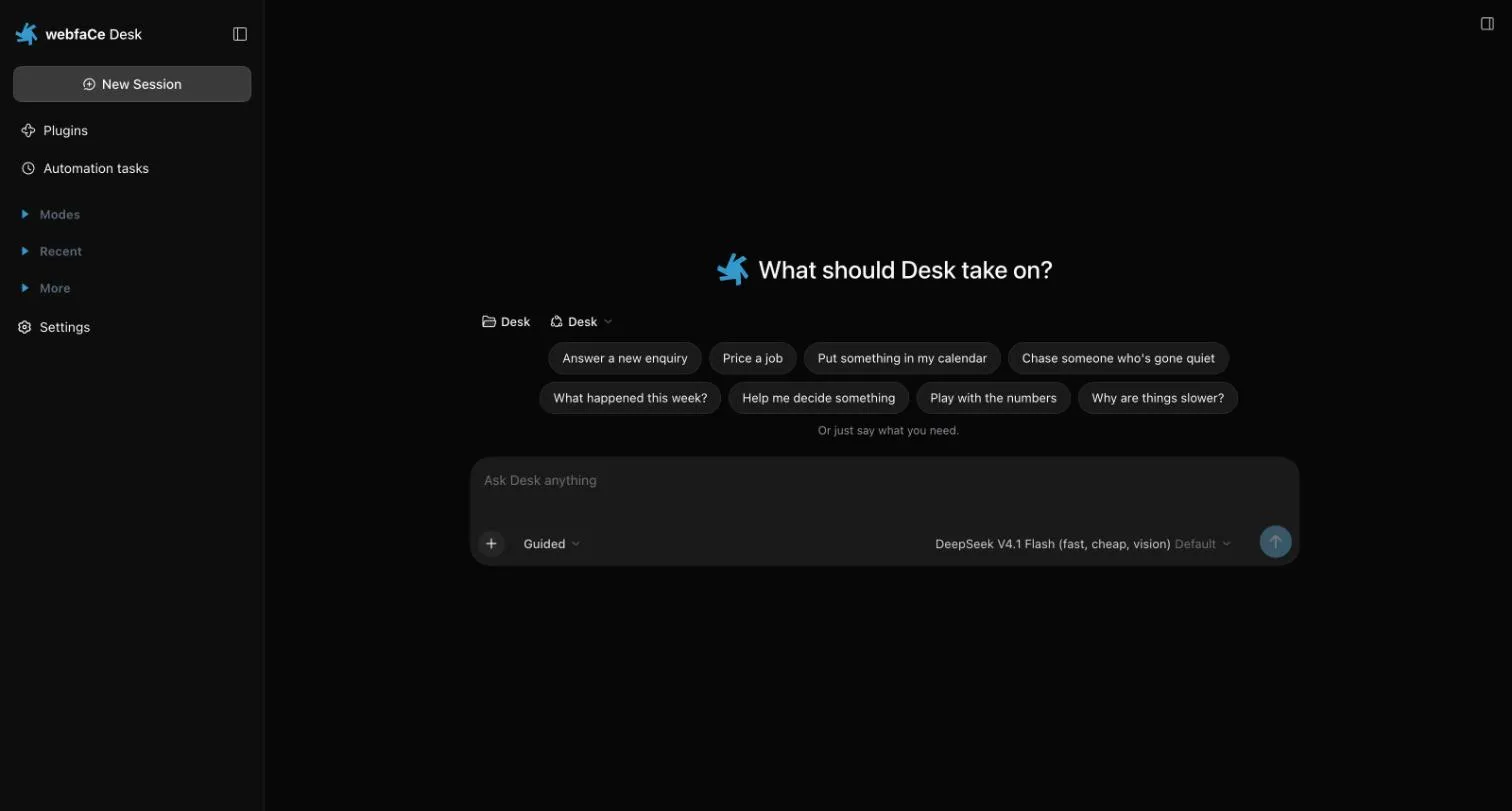
- Choose the job card that fits.
- Add any details Desk asks for.
- Desk starts the work.
Ask in your words
Section titled “Ask in your words”If no card fits, type what you need in the message box and send it.
Follow the work
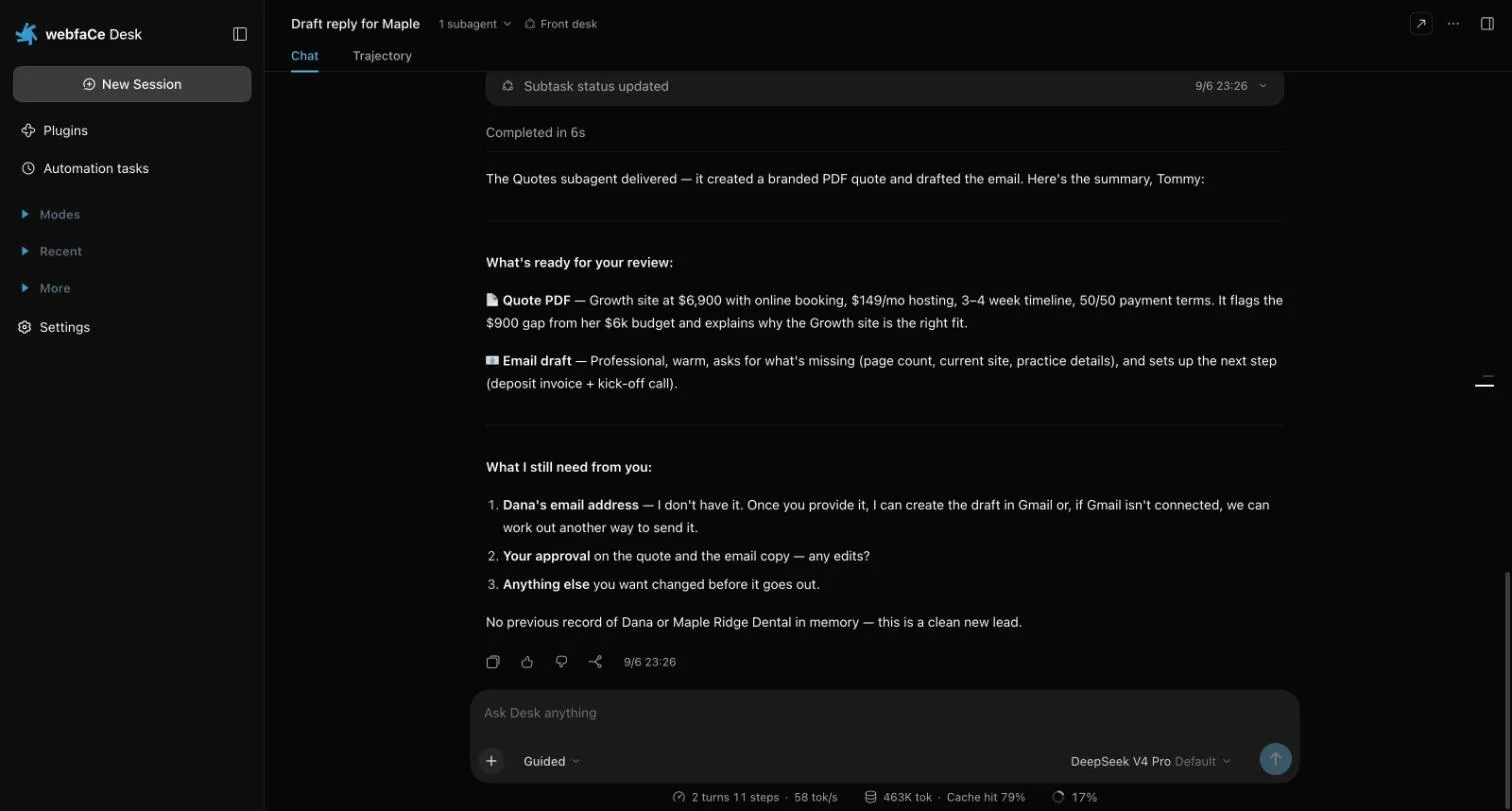
Section titled “Follow the work”Desk reports back in the conversation. It tells you what is ready for review and what it still needs from you.
Start a New Session for each new piece of work.