

Social posting
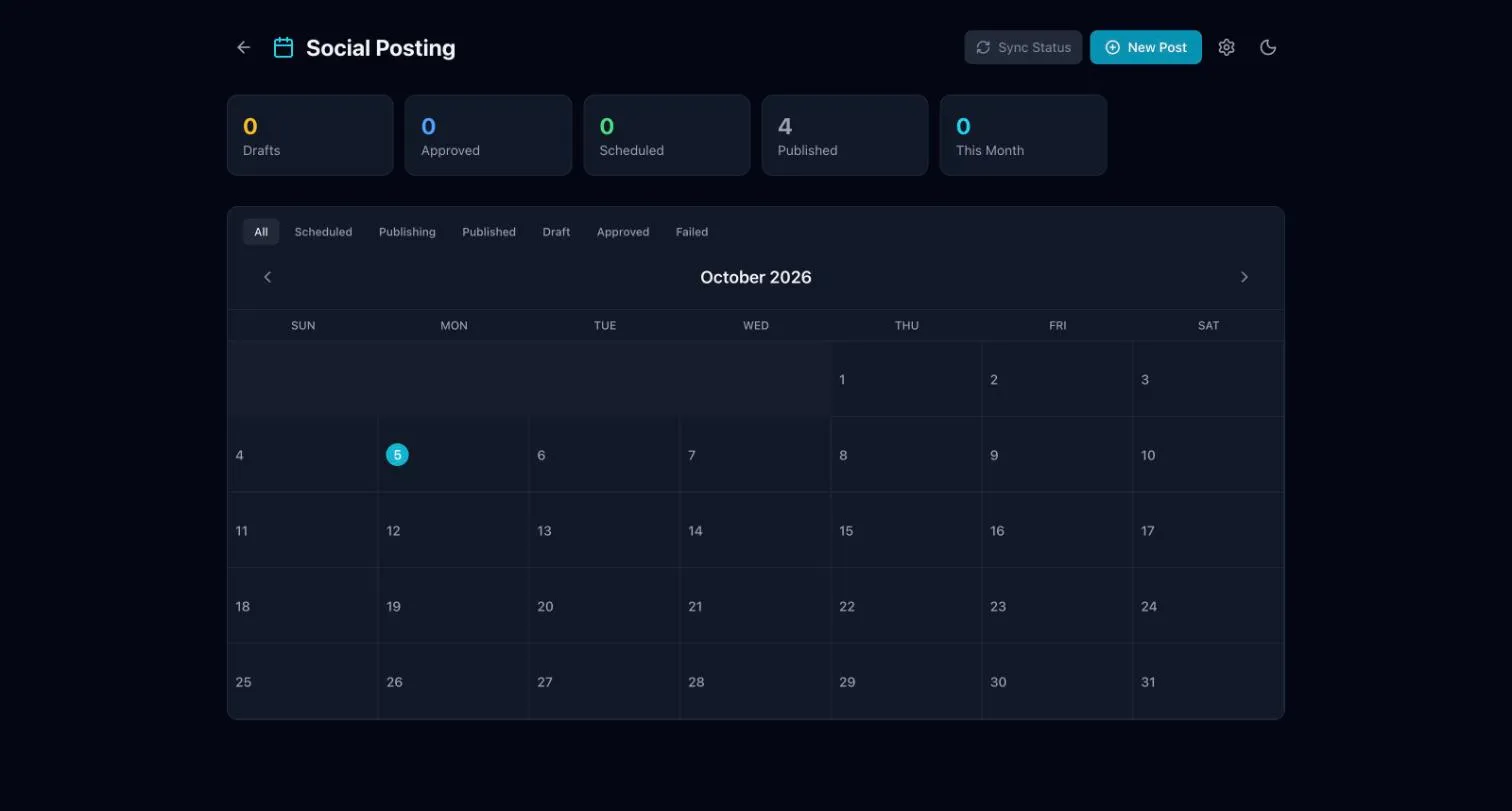
This page helps you plan social posts on a calendar, get them approved and schedule them.
Connect your accounts
Section titled “Connect your accounts”Connect your social accounts once. After that, scheduled posts go out to them.
How a post moves
Section titled “How a post moves”Each post moves through these steps:
- Draft: someone writes the post.
- Approved: an Admin approves it.
- Scheduled: it has a date and time.
- Published: it has gone out.
Staff can draft posts. Admins approve and schedule them. A draft that needs an Admin shows as Waiting for approval.
Add a post
Section titled “Add a post”- Open Social Posting.
- Choose New Post.
- Write the post and add any images.
- Save it as a draft for approval, or, if you are an Admin, approve and schedule it.
Use the filters above the calendar (Scheduled, Published, Draft, Approved, Failed) to see one kind of post at a time.