

Team page
This page helps you use the Team page in Insights to see who is in your company, invite or remove people, and choose who gets the weekly reports.
Open the Team page
Section titled “Open the Team page”- Sign in at insights.webfacemedia.com.
- Open Team (at
/dashboard/team).
At the top you see your company name and your role.
Weekly reports
Section titled “Weekly reports”The Weekly reports list shows every member, their role, and whether their weekly reports are on or off.
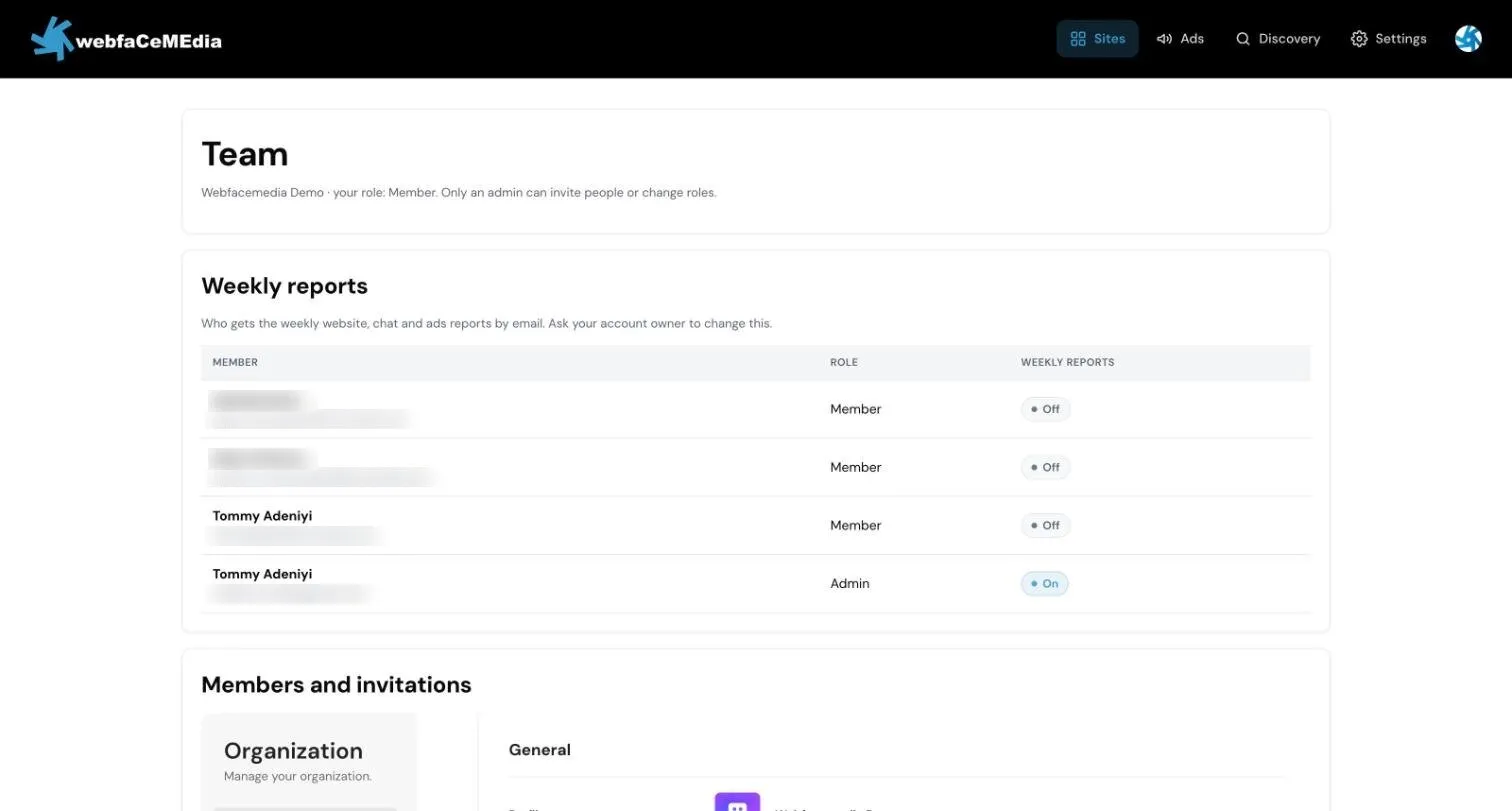
Each person shows On, Off or Not set (nobody has chosen yet, so they get no weekly email). If you are an Admin, choose Turn on or Turn off next to each person. If you are a Member, you can see the list but not change it. Ask an Admin.
The site’s owner email always gets the Monday email, whatever this list shows. See Weekly email.
Members and invitations
Section titled “Members and invitations”Below the reports list is Members and invitations. This is where Admins invite people, change roles and remove people.
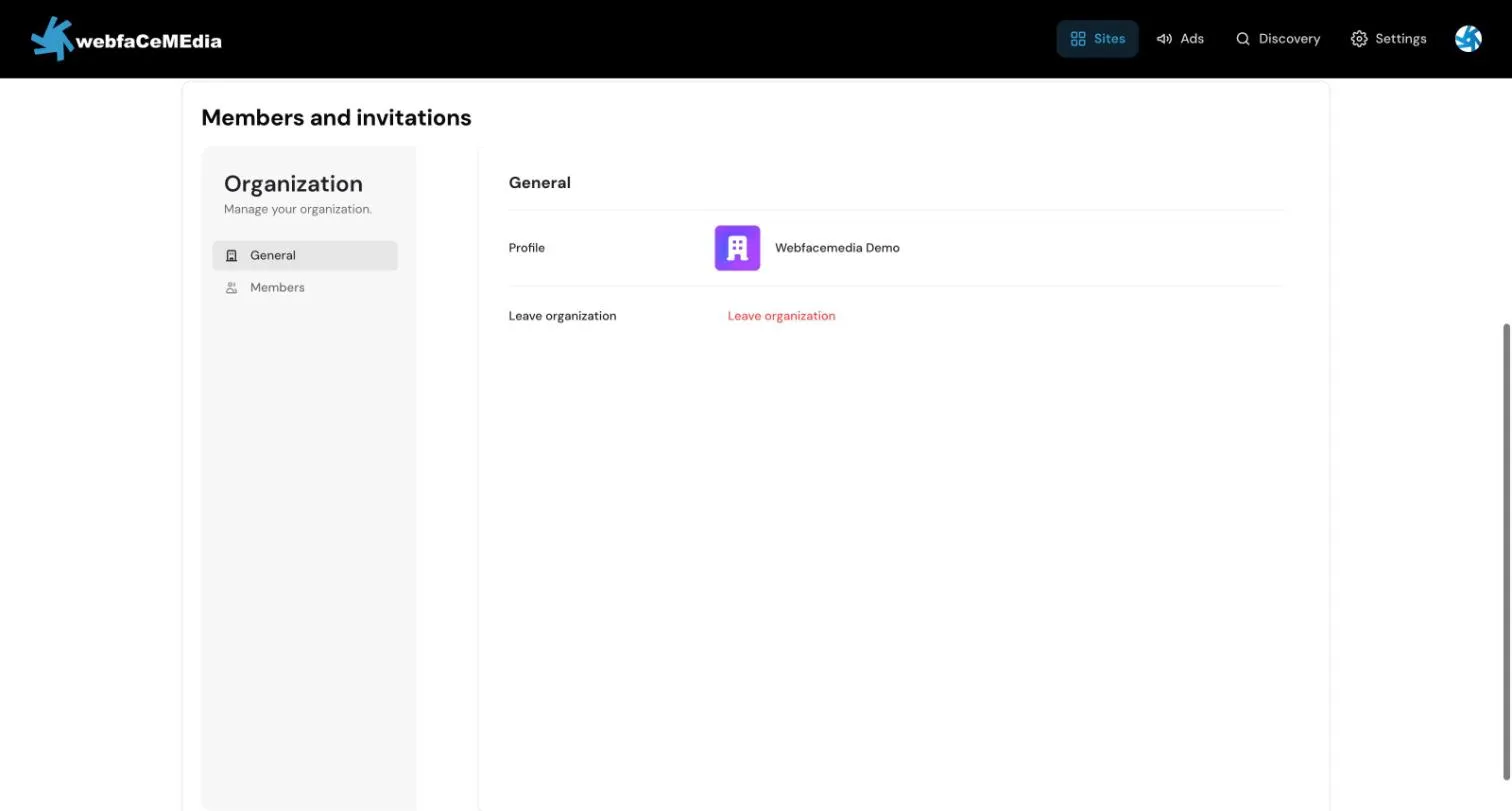
To invite someone:
- Open Members.
- Invite them by email and choose Admin or Member.
To remove someone:
- Open Members.
- Remove the person.
Removing someone takes away their access everywhere. See Your team and sign-in.