

Connecting webfaCeMEdia to Claude
This page helps you connect webfaCeMEdia to Claude at claude.ai, so you can ask about your business in plain language.
Add the connector
Section titled “Add the connector”- Sign in to claude.ai.
- Open your connector settings and add a custom connector.
- Enter this address:
https://mcp.webfacemedia.com/mcp - Sign in with your webfaCeMEdia account (the same one you use for Insights).
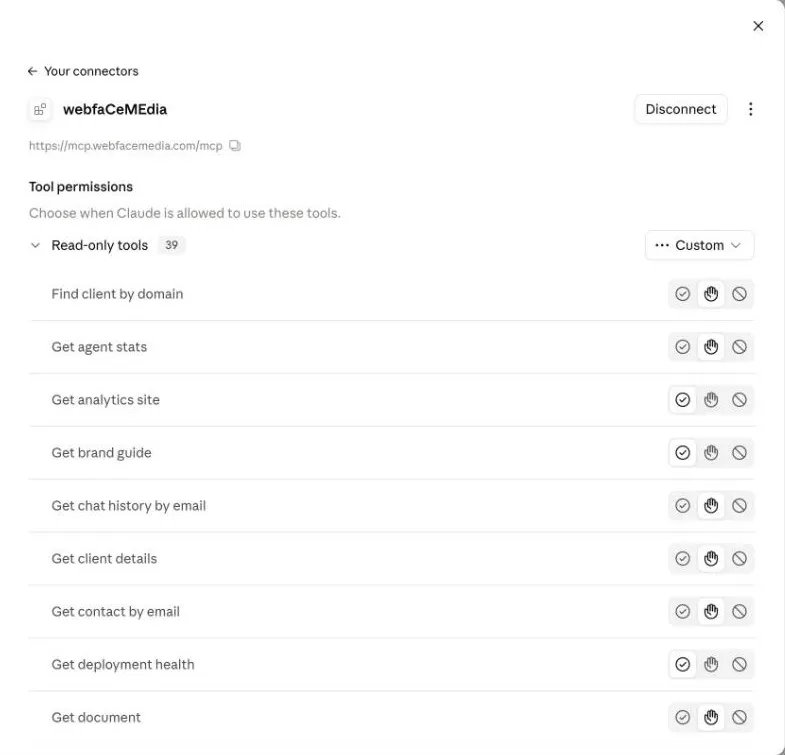
Choose what Claude may do
Section titled “Choose what Claude may do”In claude.ai you can set permissions for each tool: let Claude use it freely, ask you first, or never use it.
Next, see What you can ask.