

Approving ads
This page helps you approve or decline new ad campaigns and changes to ads that are already running.
Who can decide
Section titled “Who can decide”Only Admins can approve or decline. Members can see what is waiting but cannot decide.
Each decision is recorded with the name of the person who made it.
Open Ads approvals
Section titled “Open Ads approvals”- Sign in at insights.webfacemedia.com.
- Open Ads.
The Ads link only appears when your business has ads activity.
You also get an email when a new campaign is ready. The link in that email opens this page.
Approve or decline
Section titled “Approve or decline”- Read the campaign or change that is waiting.
- Choose what to do:
- For a new campaign, choose Approve and start to let it go ahead.
- For a change to a running ad, choose Approve change.
- To stop either one, choose Decline.
If the approval does not go through, the page shows why. Nothing is saved until it does.
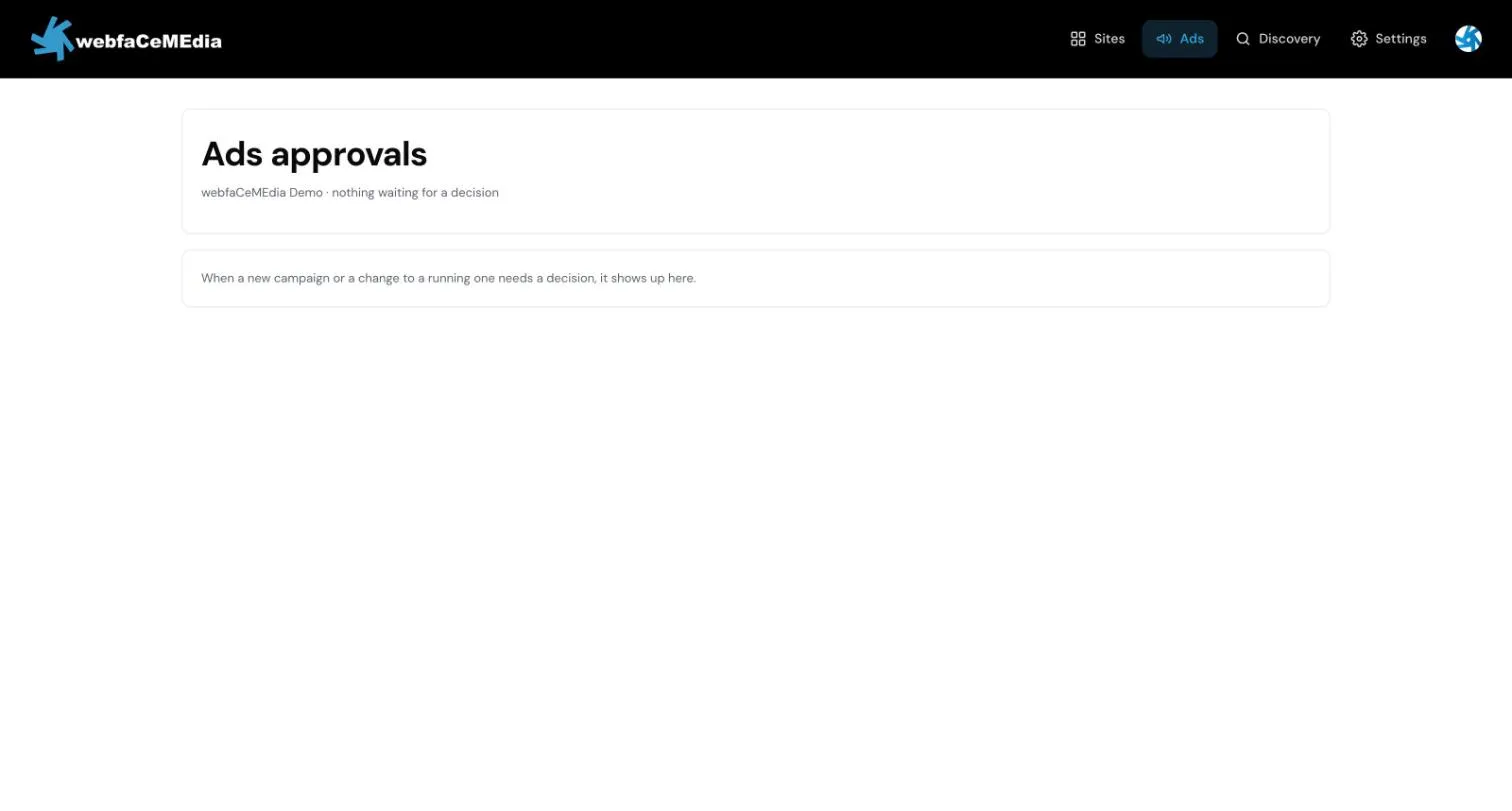
When nothing is waiting, the page says so. New campaigns and changes to running ones show up here when they need a decision.
You can also decide from your phone. See Approving ads on your phone.