

My calendars
This page helps you check which booking pages your Google account is connected to.
Check your booking pages
Section titled “Check your booking pages”- Go to book.webfacemedia.com.
- Open My calendars.
- Choose Show my booking pages and sign in with your Google account.
You see every booking page your calendar powers, where bookings land, and its meeting types.
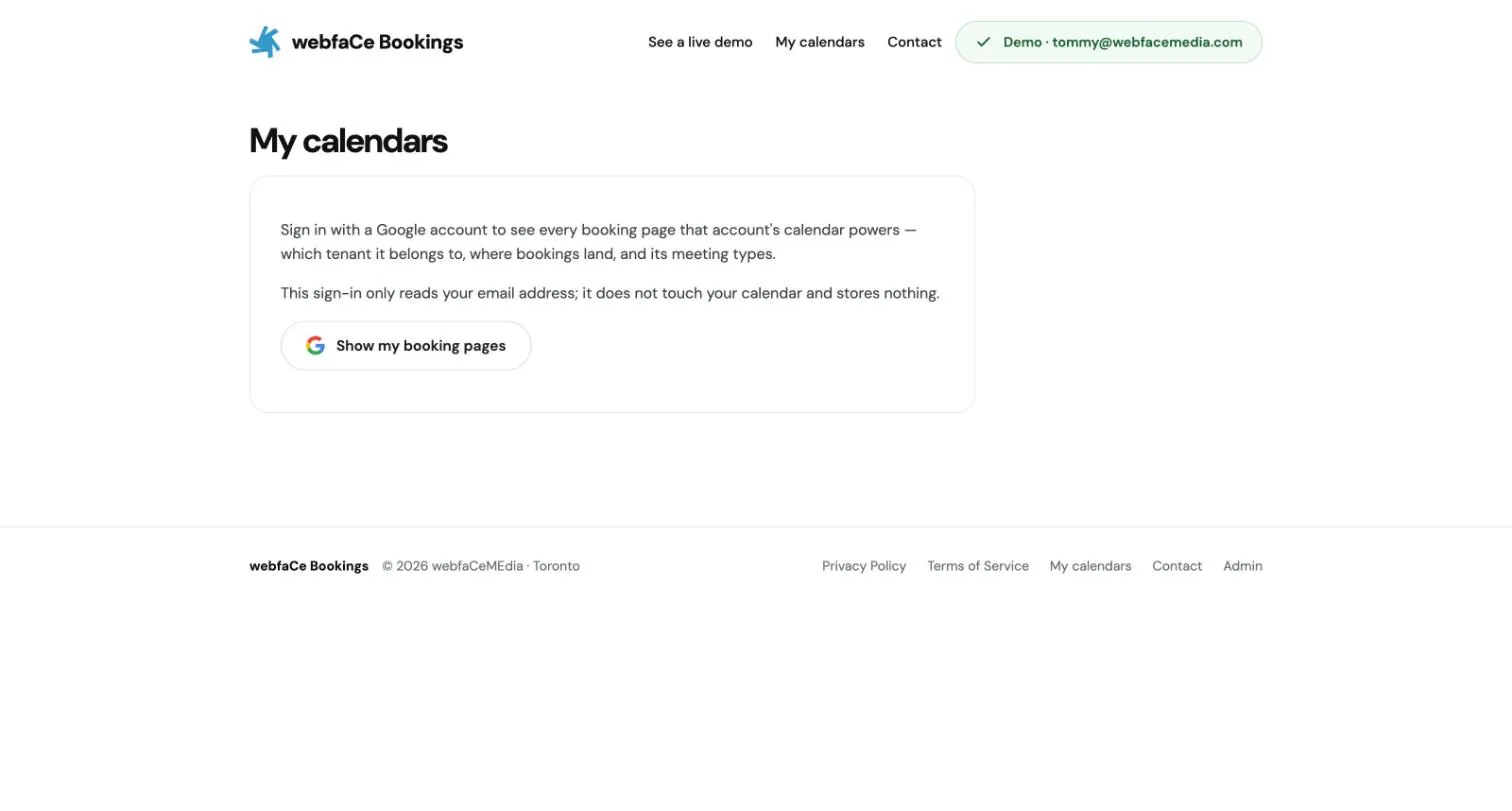
This sign-in only reads your email address. It does not touch your calendar and stores nothing.