

Chat monitor & text alerts
This page helps you read the conversations from your website chat, get the weekly chat report, and get text alerts for new enquiries and bookings.
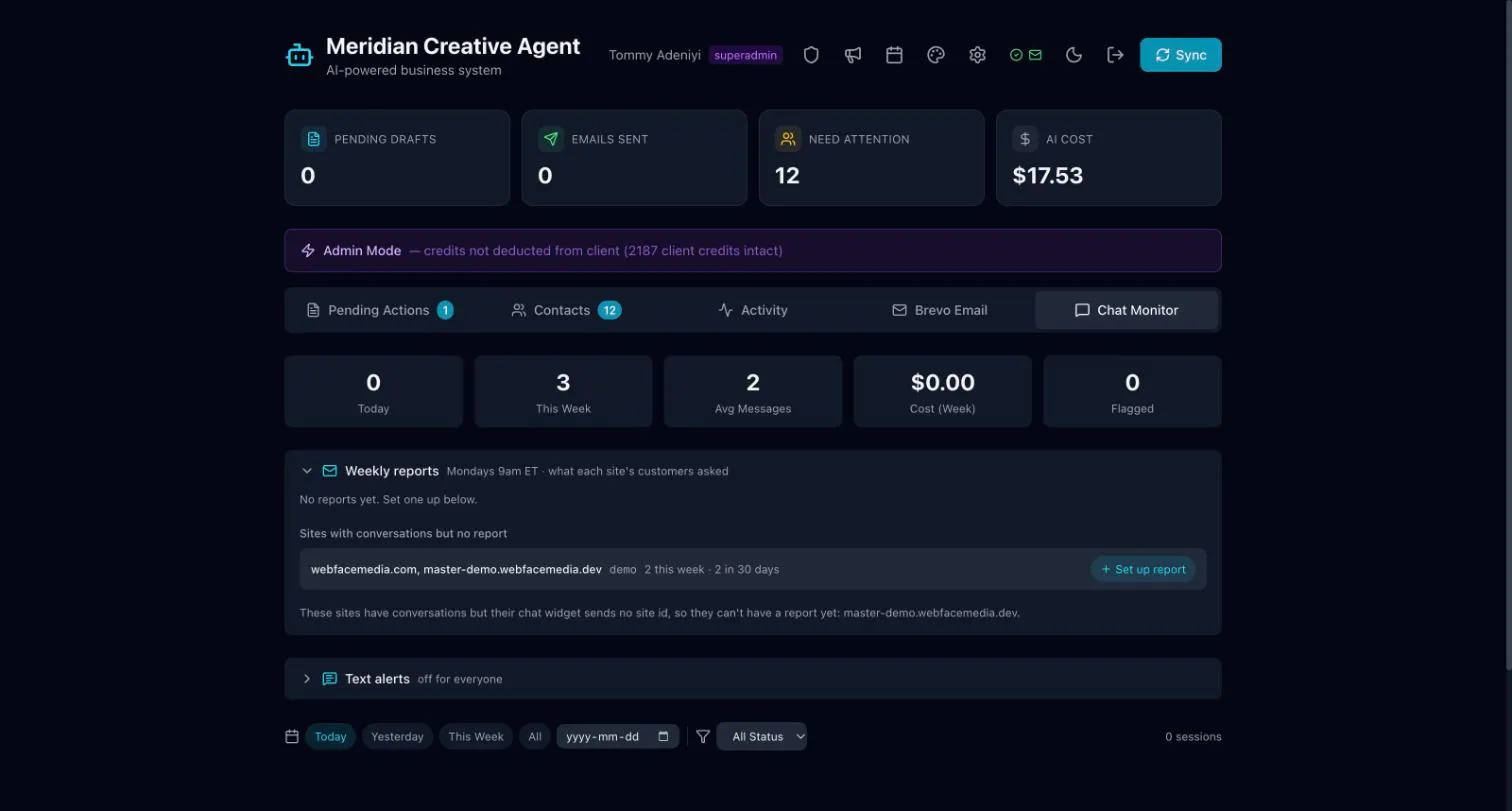
Read chat conversations
Section titled “Read chat conversations”- Open Chat Monitor.
- Use the date filters (Today, Yesterday, This Week, All) to find conversations.
- Open a conversation to read it in full.
The cards at the top show how many chats came in today and this week.
Weekly chat reports
Section titled “Weekly chat reports”The Weekly reports section sets up a report on what your site’s visitors asked in the chat. It is sent on Mondays.
Text alerts
Section titled “Text alerts”Text alerts send a text message to your phone when a new enquiry comes in through your website or someone makes a booking. They are not sent for chats.
The text says which site and page it came from. It never includes what the visitor wrote. Check your email for the details.
webfaCeMEdia manages text alerts for you. To start them, or to add or remove a phone number, contact support@webfacemedia.com. You can have several phone numbers.