

What Channels does
This page helps you understand what webfaCe Channels makes and how a video gets from an idea to your YouTube channel.
webfaCe Channels turns one of your products into YouTube videos that send people to it. You give it the product’s sales page, a written brief and footage of the product. Channels makes two kinds of video from them and uploads them to your YouTube channel on a schedule:
- Long videos, 3 to 6 minutes.
- Shorts, about 40 seconds.
Every video sends viewers to your product with a tracked link, and says your web address aloud and shows it on screen.
You use Channels in your Agent, at agent.<yourdomain>/channels. If the page says Channels isn’t on for this account yet, contact us and we switch it on.
What is in each video
Section titled “What is in each video”- A script written only from the facts in your brief.
- A narrator voice you pick from a list of stock voices, after hearing a sample.
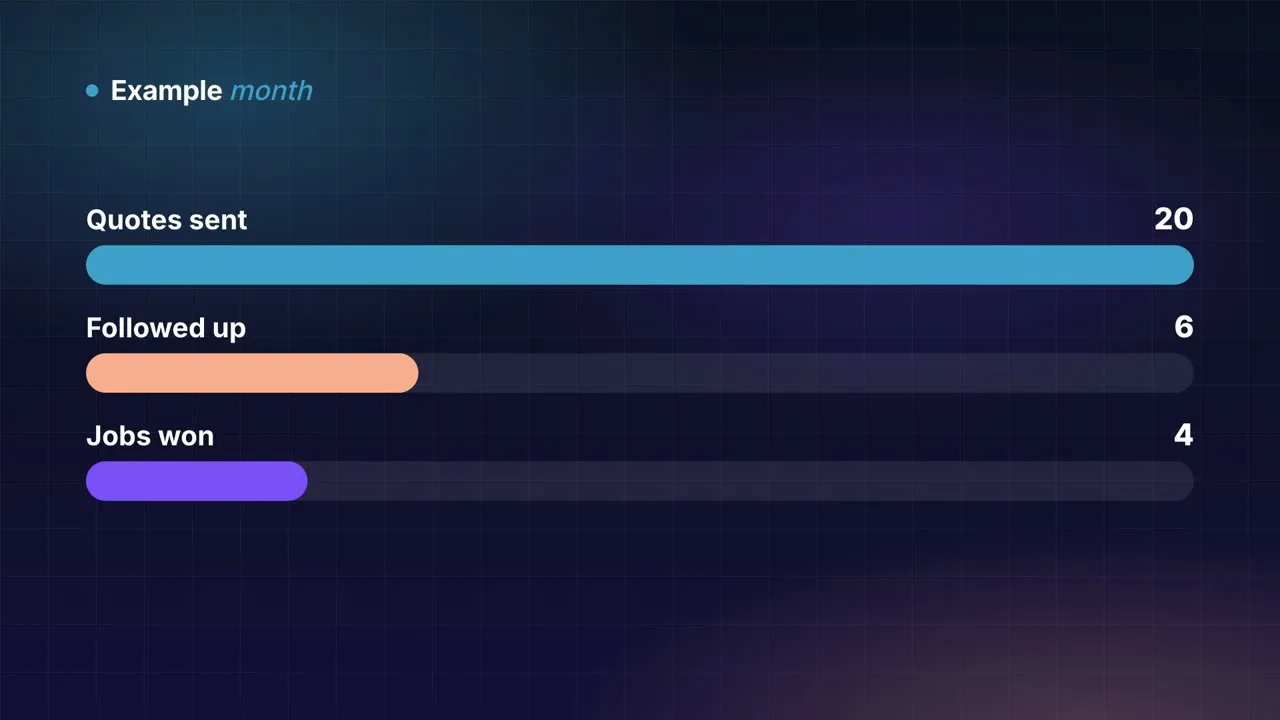
- Motion-graphic scenes: headlines, numbers, bar charts, lists, timelines, quotes and step cards. Each item appears as the narrator says it.
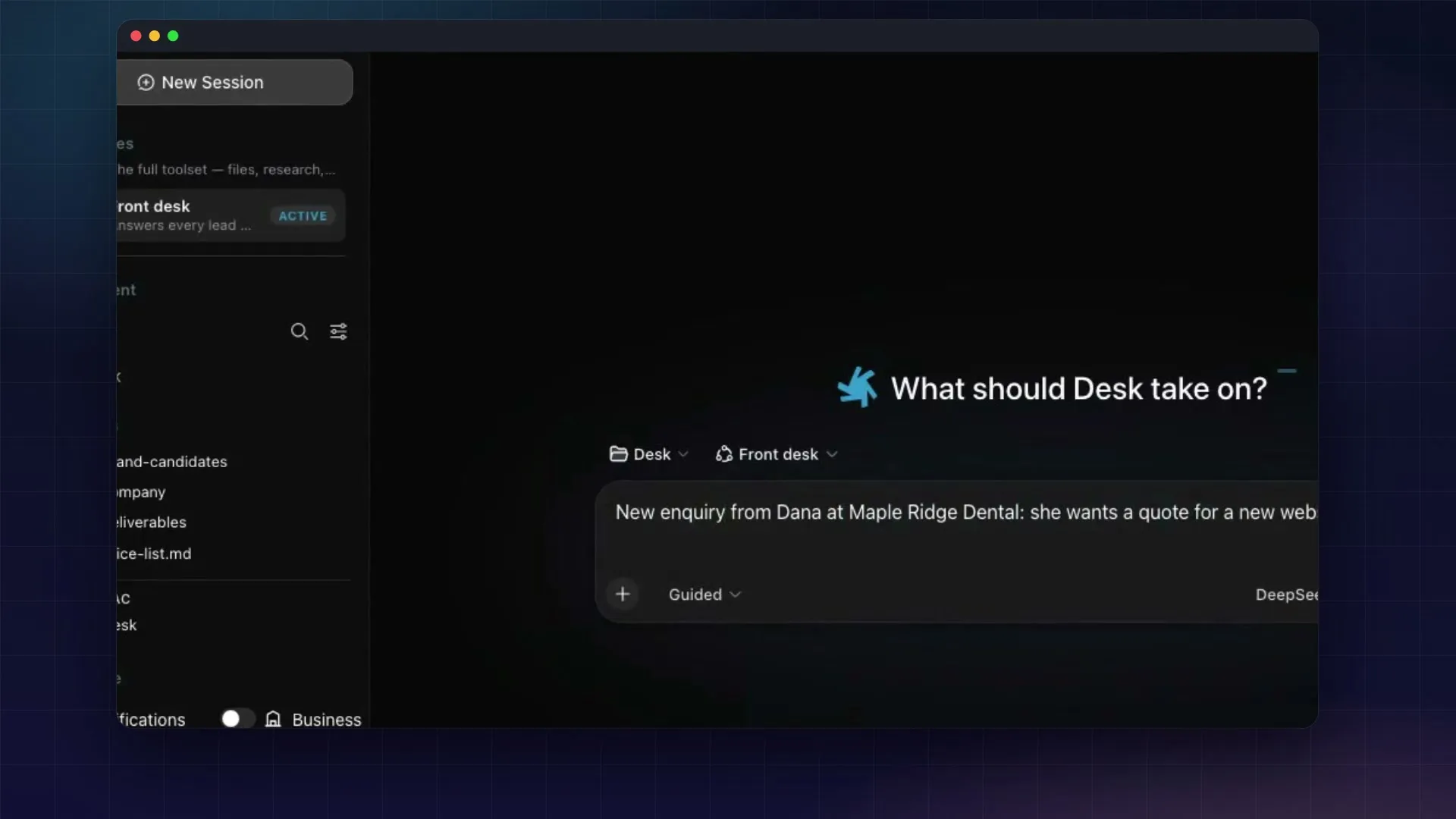
- Footage of your product, from the clips and screenshots you add, shown inside a window frame. The camera moves in on where things happen on screen.
- At most one or two photos.
- Captions from YouTube, which viewers turn on with the CC button.
- A closing card with the product name and web address. When your website is in Insights, the card also has a QR code that people watching on a TV or computer can scan with their phone. Scans show in Insights under Print & QR, in a link named YouTube videos: and your product name, and you can change where it goes there.
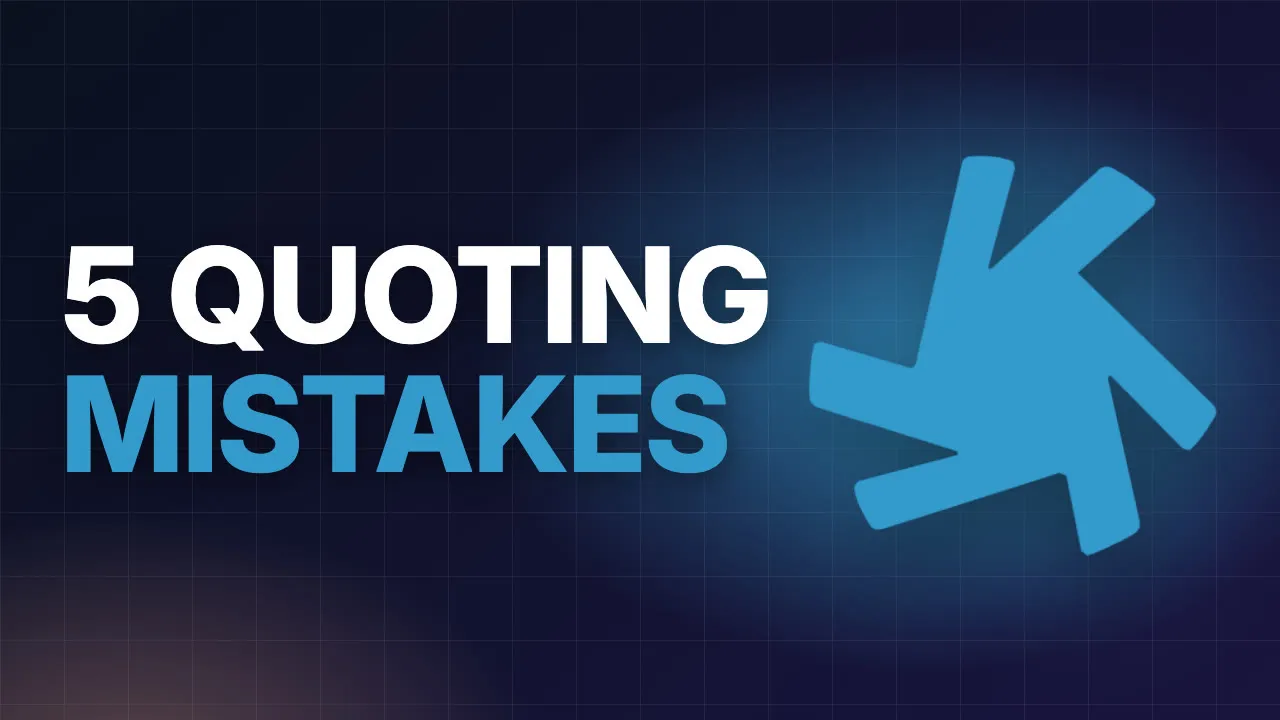
- For long videos, a thumbnail with your brand mark.
There are two looks: Showcase (dark, with a glow in your brand colour) and Infographic (cream paper and ink). Pick one for each product, or let Channels pick per video.
The videos are faceless. There is no presenter, and no one’s face appears on your channel art, thumbnails or videos.
From idea to YouTube
Section titled “From idea to YouTube”- Ideas. Choose Get 12 video ideas, or type a topic of your choosing. Nothing is spent until you approve a script.
- Script. Read it and approve it. This is the first of two approvals.
- Being made. Channels voices the script, adds the scenes and footage, and renders the video.
- Video. Watch the finished video and approve it. This is the second approval.
- On YouTube. The video uploads as private and goes public at the next publishing slot.
See Approving scripts and videos.
YouTube asks channels to label altered or synthetic content. Channels sets that label on every upload.
See it working
Section titled “See it working”webfaCeMEdia runs its YouTube channel, @webfacemediaTM, on Channels. It promotes webfaCe Desk.
- Long video: 5 Quoting Mistakes That Cost Small Businesses Money (4:34)
- Short: One Enquiry, Ten Minutes: From Inbox to Booked (0:38)
Read Before you start to get your YouTube channel ready.